
This guide assumes you already have an EIP-1193 provider (e.g.,
window.ethereum from a wallet extension, WalletConnect, or a custom provider).Check the Quickstart page for a step-by-step guide to integrate the AA SDK with Particle Authkit.General integration steps
The following steps outline the general process for integrating the AA SDK into your web application:1
Acquire a provider
Connect to a user’s existing wallet through
window.ethereum, WalletConnect, or another compatible provider.2
Create a Smart Account
Initialize a Smart Account and configure your desired contract options.
3
Configure gas payment options
Wrap your Smart Account with a provider adapter and choose how transaction gas will be paid - gasless (sponsored), user-paid with native tokens.
4
Use with your favorite web3 library
The wrapper automatically converts regular transactions into
UserOperations, allowing you to use familiar libraries like ethers.js or viem with Account Abstraction.The Particle AA SDK is open source, available at Particle-Network/aa-sdk.
Prerequisites
To integrate the Particle AA SDK into your web application, you’ll need to:- Install the SDK packages in your project
- Configure your project credentials from the Particle Dashboard
Installation
Install the SDK in your project:Project setup
The AA SDK requires Particle project credentials from the Particle Dashboard. To retrieve those values for configuration within your application, follow these steps:Access the Particle Dashboard
Access the Particle Dashboard
Sign up or Log in into the Particle dashboard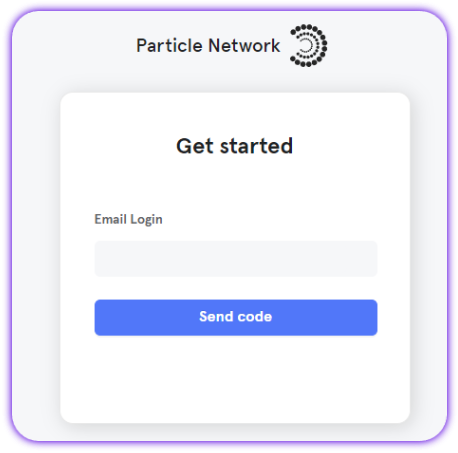
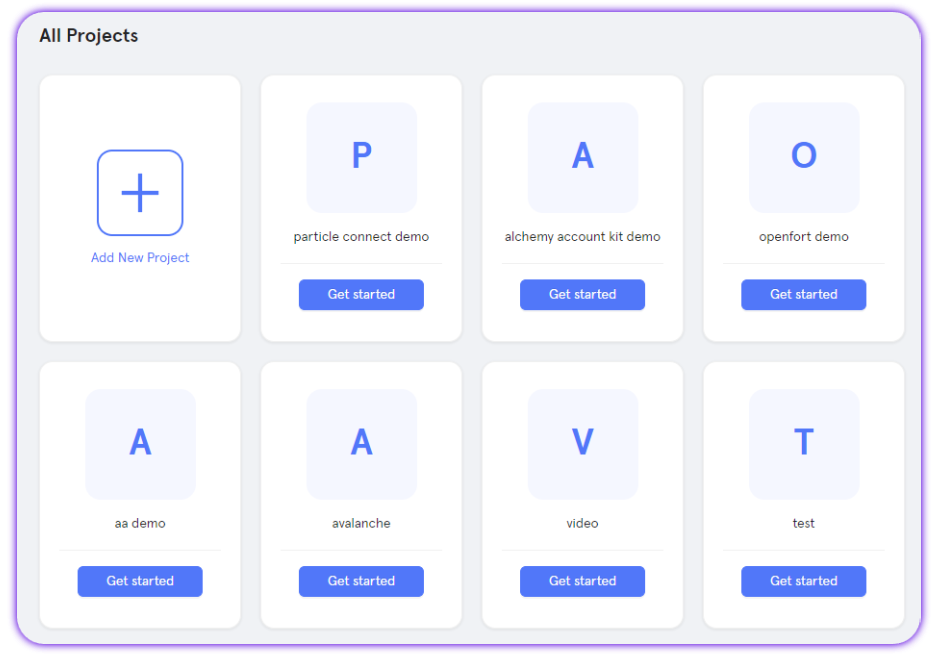
Create a new project or enter an existing project
Create a new project or enter an existing project
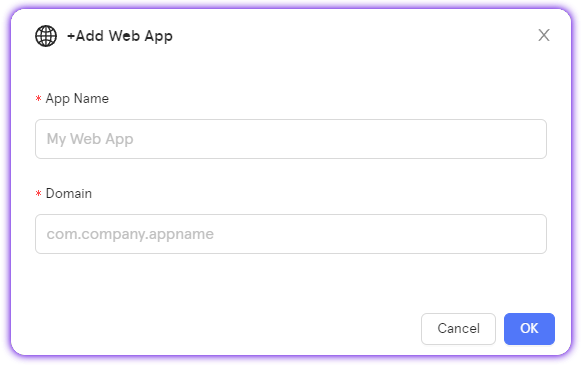
Create a new web application, or skip this step if you already have one
Create a new web application, or skip this step if you already have one
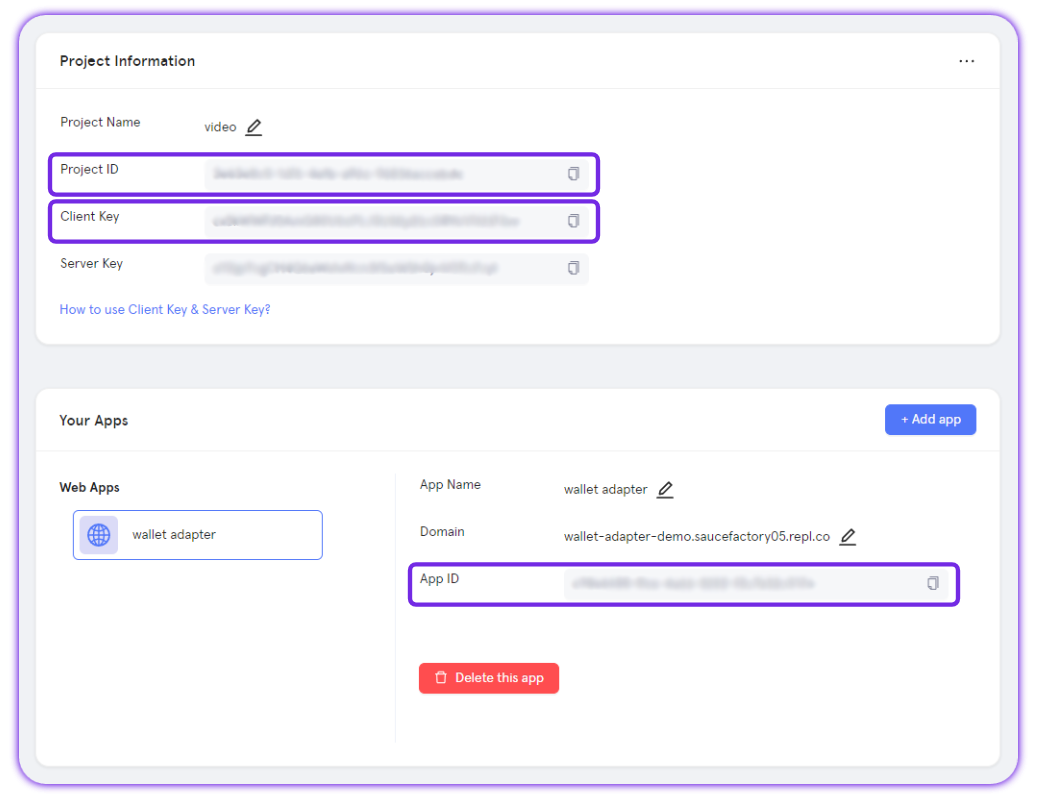
Retrieve the project credentials (project ID, client key, app ID)
Retrieve the project credentials (project ID, client key, app ID)
Particle Paymaster
Particle Network includes a Verifying Omnichain Paymaster to sponsor gas fees:- Testnet use: gasless transactions are automatically sponsored (no setup, no deposits).
- Mainnet use: deposit USDT on Ethereum or BNB in the dashboard. The deposit is auto-converted into the native token of whichever chain your users transact on.
- For ERC-20 gas payments (Token Paymaster), you can rely on Biconomy’s Token Paymaster. Simply pass the
feeQuoteyou receive fromgetFeeQuotes, and the SDK will handle the ERC-20 settlement.
Initialization
The first step is to initialize the Smart Account instance. You can do this by creating a new instance of theSmartAccount class and passing in the provider and configuration options.
Using an EIP-1193 provider
You can easily use any EIP-1193 provider with the smart account by wrapping it withAAWrapProvider and choosing how gas is paid.
Gas modes
SendTransactionMode.Gasless: sponsored when eligibleSendTransactionMode.UserPaidNative: user pays native gas
ethers.js example
The following example shows how to use the smart account withethers.js.
ethers.js
Direct AA usage (no wrapper)
If you want to manageUserOps yourself, you have various options using the smart account instance directly.
Smart account info
Fetch the smart account address, owner, and account info.Quote fees (single tx or batch)
Fetch the fee quotes for a single transaction or batch of transactions.ts
Build & send UserOperation
Build and send aUserOperation for a single transaction or batch of transactions.
Here’s a complete example of sending a gasless transfer transaction using the SDK to build a userOp:
SDK example
Deployment control
Check if the smart account is deployed and deploy it if not.Use the AA SDK in a backend environment (server-owned EOA)
You can use the SDK in a backend environment to send transactions on behalf of the smart account. The following example shows how to use the SDK with viem to create a wallet client from a private key, expose it as an EIP-1193 provider to the AA SDK, then route writes through the AA wrapper.When using the SDK in a node environment, you need to import the package as follows:
Node Imports
Node Example
Master reference
The following table is a method-level reference for theSmartAccount class. Use it when you need exact signatures or want to explore functionality beyond the common flows shown earlier (initialization, fee quotes, sending transactions).
Most methods follow the same input/output patterns as the examples above, so you can usually adapt them directly into your own code.