
- Import the UniversalAccount class in your app:
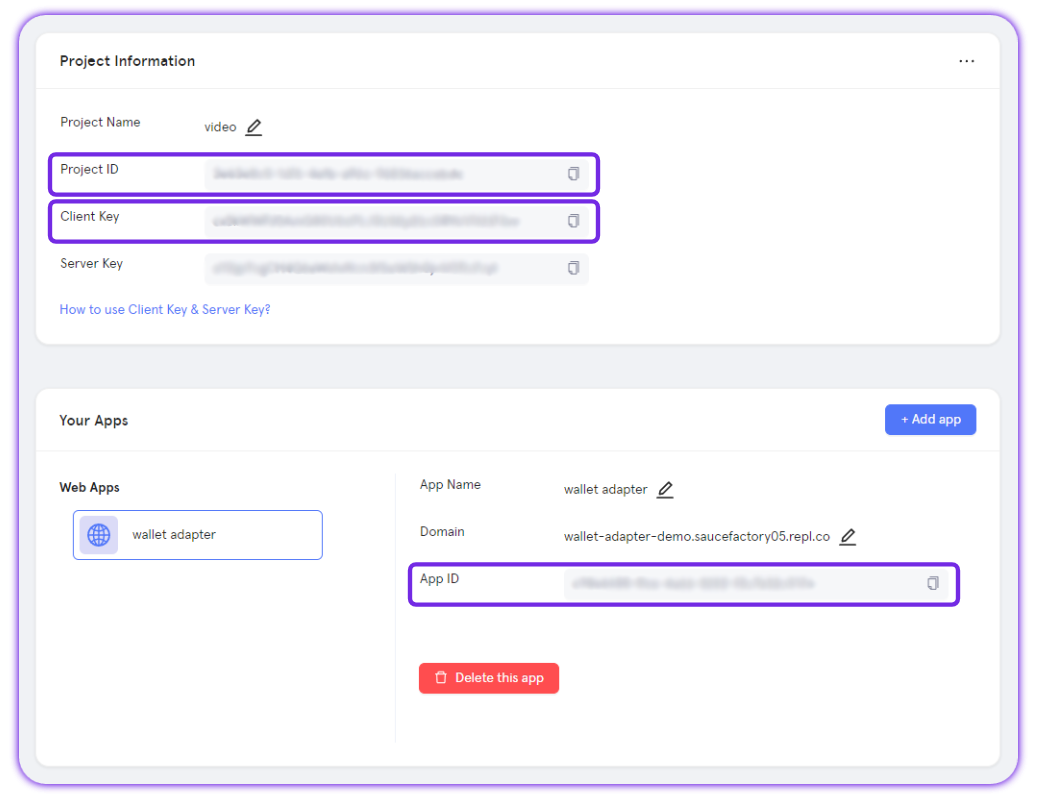
- The Universal Accounts SDK requires Particle project credentials from the Particle Dashboard. To retrieve your project credentials:
Access the Particle Dashboard
Access the Particle Dashboard
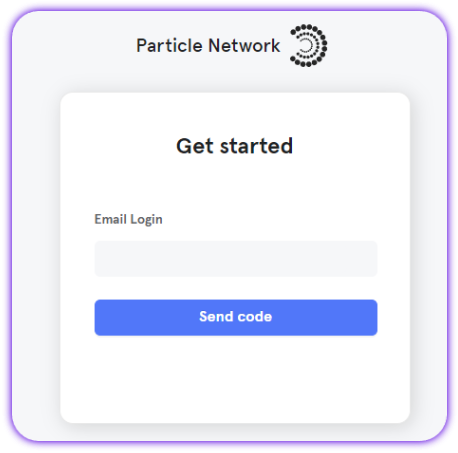
Create or open a project
Create or open a project
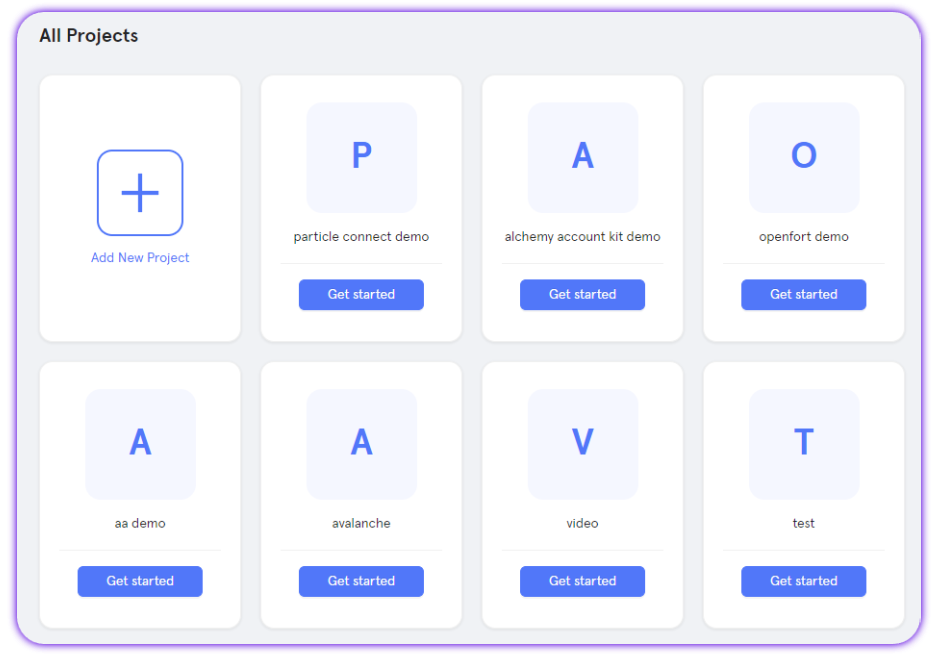
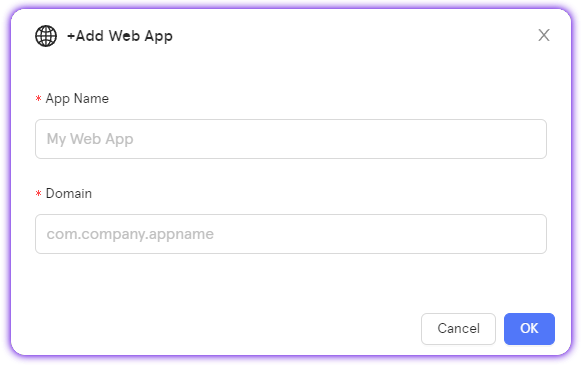
Create a web application (or skip if already created)
Create a web application (or skip if already created)
Retrieve project credentials
Retrieve project credentials
- Then, initialize Universal Accounts using your preferred mode:
EIP-7702 is the default mode for Universal Accounts.
In this mode, the EOA used for authentication is upgraded to act directly as the Universal Account. However, if you wish to use Smart Account mode, simply set “useEIP7702” to “false”.
The section below dives deeper into the differences between both modes.
In this mode, the EOA used for authentication is upgraded to act directly as the Universal Account. However, if you wish to use Smart Account mode, simply set “useEIP7702” to “false”.
The section below dives deeper into the differences between both modes.
- You can now use the
uainstance to fetch Universal Account data (addresses and unified balances) and to send transactions across supported chains.
About 7702 Mode (Default)
In 7702 mode, the EOA address used for authentication is the Universal Account. All Universal Account features—such as chain abstraction, unified balances, and gas abstraction—are applied directly to the user’s original EOA. Using 7702 mode requires you to authorize the user’s EOA to act as the Universal Account on the specified chain before transacting. Once this delegation is successful, all subsequent transactions will automatically execute on that chain.To authorize the 7702 mode automatically on new chains, run the below pattern when sending transactions:
Serverside examples using EIP-7702
Find serverside examples using Universal Accounts in EIP-7702 mode.
EIP-7702 compatible embedded wallets
Demos and integration notes for Dynamic, Magic, and Privy embedded wallets with 7702 mode.
Verifying EIP-7702 delegation
To check whether EIP-7702 delegation is active for a Universal Account, query the registered deployments:Smart Account Mode (JSON-RPC wallets)
This mode exists for compatibility with JSON-RPC wallets, but does not provide the same zero-friction experience as 7702 mode.As mentioned above, if you need to support Smart Account mode, simply change the following variable upon initialization:
- A separate smart account is created and attached to the EOA.
- The smart account has its own address.
- Users must transfer assets to the smart account before use.
Trade Config
Control which tokens are used for swaps
When initializing a Universal Account, you can control which tokens are eligible to be used as the source for swap operations. To do this, set theusePrimaryTokens field inside the tradeConfig object. This lets you restrict swap logic to specific tokens (e.g. only allow SOL to be spent, not USDT or ETH).
Example:
- Ensure predictable token usage during swaps.
- Prevent certain tokens from being auto-selected as swap input.
- Customize the user experience around token prioritization.
Reference implementation
Check Out UA Initialization in This Sample Repository
Sample Next.js app using Particle Auth with Universal Accounts.
Next steps
Addresses
Retrieve the owner EOA, EVM UA, and Solana UA addresses.
Primary Assets & Unified Balance
Fetch unified balances and per-chain breakdowns.