> ## Documentation Index
> Fetch the complete documentation index at: https://developers.particle.network/llms.txt
> Use this file to discover all available pages before exploring further.

# Particle Network Dashboard

> Overview of the Particle Network Dashboard.

The [Particle Dashboard](https://dashboard.particle.network) is the control center for integrating Particle’s Wallet-as-a-Service and SDKs.\
From here, you can manage projects, track users, customize login flows, configure paymasters, and access node endpoints.

***

<Frame caption="Particle Network dashboard.">
  <iframe width="800" height="600" src="https://dashboard.particle.network" />
</Frame>

***

## Project Management

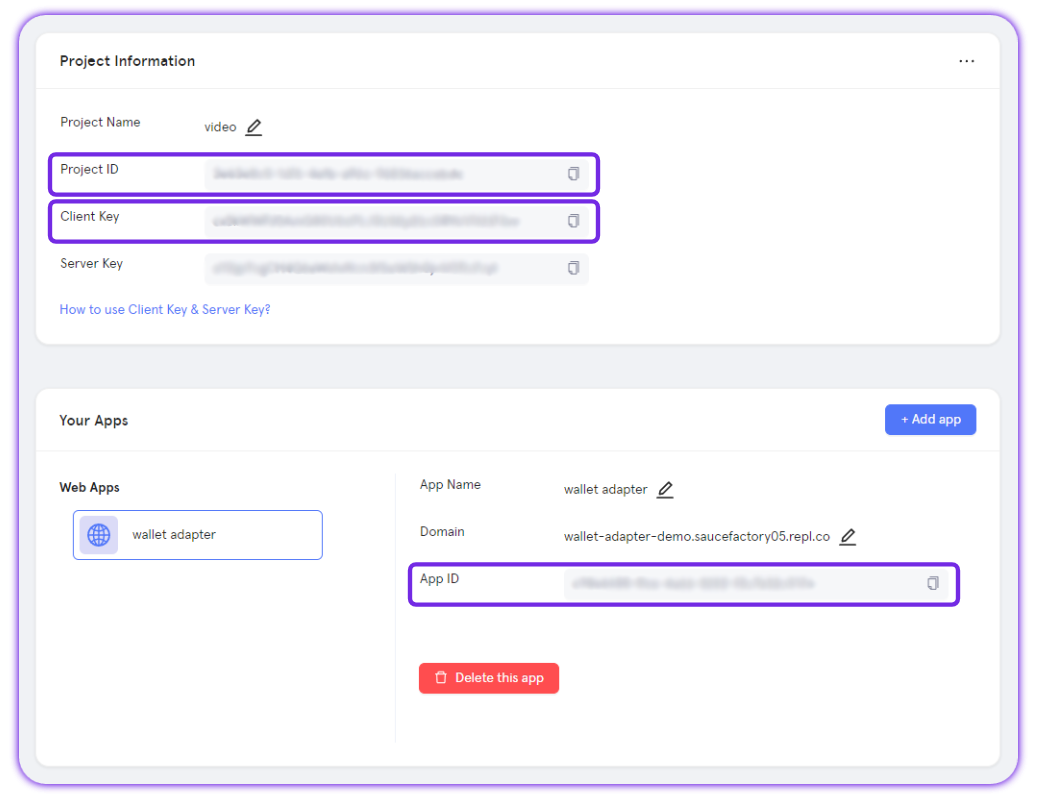
Every SDK requires three values: **Project ID**, **Client Key**, and **App ID**.\
You create these inside the dashboard by setting up:

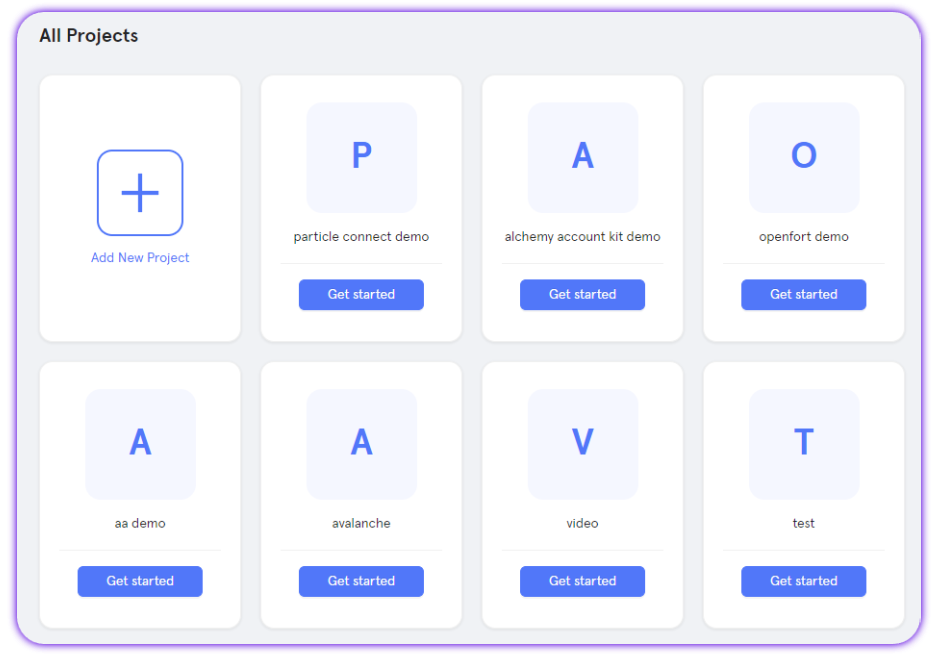
1. **Projects**: Containers for multiple applications with shared settings.
2. **Applications**: Specific instances (Web, iOS, Android) identified by an **App ID**.

Applications let you configure features like:

* **Multi-device login**: Keep user accounts consistent across devices.
* **Redirect links**: Define where users land after login.

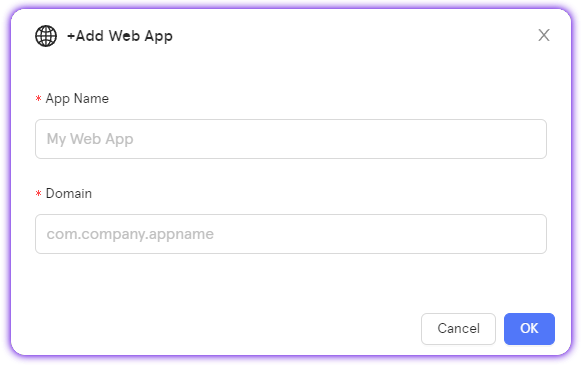
<Note>When creating an app, you’ll need to specify a domain. This can be any domain, even a placeholder like `demo.com`.</Note>

To retrieve these values, follow these steps:

<AccordionGroup>
  <Accordion title="Access the Particle Dashboard">
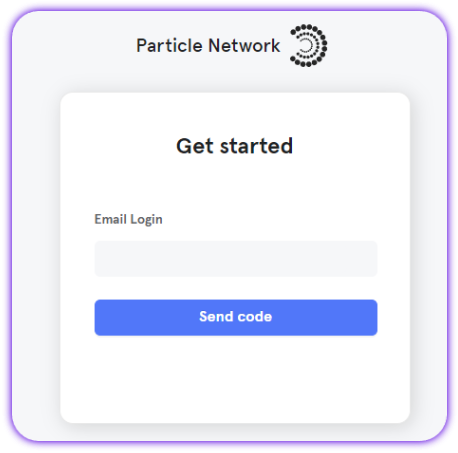
    Sign up or Log in into the [Particle dashboard](https://dashboard.particle.network/)

    <div className="flex justify-center">
      <img className="block h-64 dark:hidden" src="https://mintcdn.com/particlenetwork-fccf74d2/hR-XK15Ve4E3bk8E/social-logins/images/login.png?fit=max&auto=format&n=hR-XK15Ve4E3bk8E&q=85&s=82a68a9e5fce546a26db56e74d7c3b94" alt="Login into Particle." width="458" height="453" data-path="social-logins/images/login.png" />

      <img className="hidden h-64 dark:block" src="https://mintcdn.com/particlenetwork-fccf74d2/hR-XK15Ve4E3bk8E/social-logins/images/login.png?fit=max&auto=format&n=hR-XK15Ve4E3bk8E&q=85&s=82a68a9e5fce546a26db56e74d7c3b94" alt="Login into Particle." width="458" height="453" data-path="social-logins/images/login.png" />
    </div>
  </Accordion>

  <Accordion title="Create a new project or enter an existing project">
    <div className="flex justify-center">
      <img className="block h-64 dark:hidden" src="https://mintcdn.com/particlenetwork-fccf74d2/hR-XK15Ve4E3bk8E/social-logins/images/project.png?fit=max&auto=format&n=hR-XK15Ve4E3bk8E&q=85&s=1b5cd03116f224e1cba3a88a04a1f0a5" alt="Create Particle project." width="939" height="657" data-path="social-logins/images/project.png" />

      <img className="hidden h-64 dark:block" src="https://mintcdn.com/particlenetwork-fccf74d2/hR-XK15Ve4E3bk8E/social-logins/images/project.png?fit=max&auto=format&n=hR-XK15Ve4E3bk8E&q=85&s=1b5cd03116f224e1cba3a88a04a1f0a5" alt="Create Particle project." width="939" height="657" data-path="social-logins/images/project.png" />
    </div>
  </Accordion>

  <Accordion title="Create a new web application, or skip this step if you already have one">
    <div className="flex justify-center">
      <img className="block h-64 dark:hidden" src="https://mintcdn.com/particlenetwork-fccf74d2/hR-XK15Ve4E3bk8E/social-logins/images/web-app.png?fit=max&auto=format&n=hR-XK15Ve4E3bk8E&q=85&s=8f51019e7b9968aca5528541f819eb4e" alt="Create web app." width="584" height="369" data-path="social-logins/images/web-app.png" />

      <img className="hidden h-64 dark:block" src="https://mintcdn.com/particlenetwork-fccf74d2/hR-XK15Ve4E3bk8E/social-logins/images/web-app.png?fit=max&auto=format&n=hR-XK15Ve4E3bk8E&q=85&s=8f51019e7b9968aca5528541f819eb4e" alt="Create web app." width="584" height="369" data-path="social-logins/images/web-app.png" />
    </div>
  </Accordion>

  <Accordion title="Retrieve the project ID (`projectId`), the client key (`clientKey`), and the application ID (`appId`)">
    <div className="flex justify-center">
      <img className="block h-64 dark:hidden" src="https://mintcdn.com/particlenetwork-fccf74d2/hR-XK15Ve4E3bk8E/social-logins/images/credentials.png?fit=max&auto=format&n=hR-XK15Ve4E3bk8E&q=85&s=c196b87c62dc17aae0f624035e3a2c19" alt="Find app's credentials." width="1039" height="800" data-path="social-logins/images/credentials.png" />

      <img className="hidden h-64 dark:block" src="https://mintcdn.com/particlenetwork-fccf74d2/hR-XK15Ve4E3bk8E/social-logins/images/credentials.png?fit=max&auto=format&n=hR-XK15Ve4E3bk8E&q=85&s=c196b87c62dc17aae0f624035e3a2c19" alt="Find app's credentials." width="1039" height="800" data-path="social-logins/images/credentials.png" />
    </div>
  </Accordion>
</AccordionGroup>

***

## User Activity

The **Activity** tab gives you real-time insight into app usage:

* Total, new, and active users
* Wallet connections and social logins
* Verification messages (SMS + email)

***

## Team

Use the **Team** tab to invite collaborators:

* **Administrators**: Full edit access (apps, branding, authentication, etc.)
* **Viewers**: Read-only access

Permissions apply at the **project** level (all apps inside).

***

## Users

The **Users** tab lists all individual users of your apps, showing:

* Linked social accounts (if any)
* EVM and Solana addresses
* Sign-up and last active timestamps

See also: [`getUserInfo`](/social-logins/api/server/getuserinfo).

***

## Custom Auth

For apps needing custom login flows, the **Custom** page supports JWT-based authentication (RS256).\
Configure fields like:

* JWKs URI
* Custom ID key
* Validation rules

This lets you plug in your own OAuth or identity provider.

<Note>Find a comple guide on how to implement [custom authentication via JWT](/social-logins/configuration/auth/jwt).</Note>

***

## Paymaster

The **Paymaster** page manages Particle’s [Omnichain Paymaster](/aa/architecture/omni-paymaster):

* Deposit stablecoins on one chain (e.g., Ethereum, BNB)
* Sponsor gas fees across 35+ supported chains
* Track deposits and usage

***

### Stats

The **Stats** tab shows analytics for requests tied to your project:

* Method distribution (e.g., `eth_getBalance`)
* Success rate
* Total request count

***

<Note>📹 A quick [dashboard walkthrough video](https://www.youtube.com/embed/d7DYCMNDmjo) is available.</Note>