> ## Documentation Index
> Fetch the complete documentation index at: https://developers.particle.network/llms.txt
> Use this file to discover all available pages before exploring further.
# Login Session
> Understanding login sessions on Particle Auth.
Generally, the local user state generated after a user logs in via **Particle Auth** does not expire; however, if a user logs into the same app configuration (determined by the application configured through the Particle [Dashboard](/social-logins/dashboard)) in two different places (e.g., logging in successively in two browsers), only the latter login state will be valid. For this situation, there are the following solutions:
1. Actively retrieve user information and handle the corresponding actions when a login expiration error occurs. (Different platforms have methods for retrieving user information, offering both synchronous and asynchronous options. Synchronous methods read from the local storage, while asynchronous methods fetch the latest information from the server.)
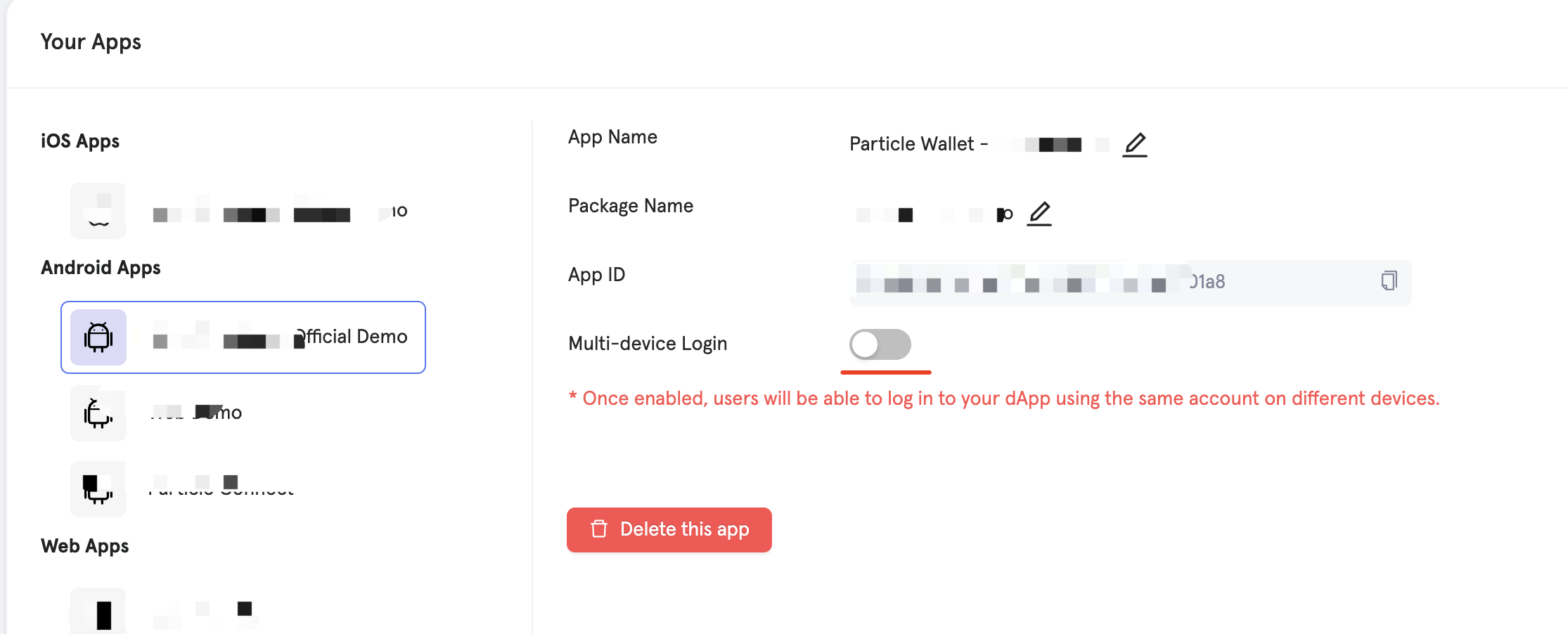
2. Enable multi-device login support for the app in the [Dashboard](/social-logins/dashboard), allowing the user to maintain a valid login state in multiple places simultaneously for the same app.